%20--%3e%3cdefs%3e%3cstyle%3e%20.st0%20{%20fill:%20%23a5d028;%20}%20.st1%20{%20fill:%20%23fff;%20}%20.st2%20{%20fill:%20%231de2db;%20}%20.st3%20{%20fill:%20%2341bdf9;%20}%20%3c/style%3e%3c/defs%3e%3cg%20id='logo-unaice-line'%3e%3cpath%20class='st1'%20d='M143.3,36.1c-1.2,0-2.1-.9-2.1-2.1V12.2c0-1.2.9-2.1,2.1-2.1s2.1.9,2.1,2.1v21.8c0,1.2-.9,2.1-2.1,2.1ZM143.2,6.2c-1.3,0-2.4-1-2.4-2.4v-.8c0-1.3,1-2.4,2.4-2.4s2.4,1.1,2.4,2.4v.8c0,1.3-1.1,2.4-2.4,2.4Z'/%3e%3cpath%20class='st3'%20d='M23.7,36.1H2c-.5,0-1-.4-1-1V2.3c0-.5.4-1,1-1h21.7c.5,0,1,.4,1,1v32.9c0,.5-.4,1-1,1'/%3e%3cpath%20class='st2'%20d='M41.8,36.1h-14.4c-.5,0-1-.4-1-1v-14.5c0-.5.4-1,1-1h14.4c.5,0,1,.4,1,1v14.5c0,.5-.4,1-1,1'/%3e%3cpath%20class='st0'%20d='M41.8,17.9h-14.4c-.5,0-1-.4-1-1V2.2c0-.5.4-1,1-1h14.4c.5,0,1,.4,1,1v14.7c0,.5-.4,1-1,1'/%3e%3c/g%3e%3cpath%20class='st1'%20d='M196.4,29.2c-2.1,2.1-3.6,3.2-7.1,3.2s-7.4-2.3-8.2-7.4h16.7c2.7,0,2.9-1.9,2.7-4-.7-6.2-5.3-11.2-11.6-11.2s-12.3,5.1-12.3,13.4,5.4,13.3,12.6,13.3,8.3-2.6,10-4.3c1.8-2.1-1.2-4.7-2.8-3ZM188.9,13.7c4.7,0,7.3,4.1,7.6,7.3h-15.3c.7-4.3,3.4-7.3,7.7-7.3Z'/%3e%3cpath%20class='st1'%20d='M132.1,12.9c-1.9-1.9-5.4-2.9-8.2-2.9s-5.3.5-8.2,1.8c-2.4,1-.9,5,1.6,3.7,2.1-1,3.3-1.5,6.3-1.5s6.7,1.1,6.8,6.1c-1.8-.5-2.7-.8-6.9-.8-6.8,0-11.3,3.3-11.3,8.8s4.1,8.4,10.1,8.4,5.4-.6,8.3-2.9v.5c0,2.8,4.2,2.6,4.2,0v-13.8c0-3.1-.8-5.5-2.7-7.4ZM130.4,26.2c0,3.6-3.4,6.3-8,6.3s-5.9-1.7-5.9-4.6,2.5-4.6,6.8-4.6c0,0,4.8,0,7.1,1v1.9Z'/%3e%3cpath%20class='st1'%20d='M80,36.1c-1.2,0-2.1-.9-2.1-2.1V3.4c0-1.2,1-2.2,2.2-2.2h.4c.8,0,1.4.4,2,1.1l20.2,25.7V3.4c0-1.2.9-2.1,2.1-2.1s2.1.9,2.1,2.1v30.7c0,1.1-.5,2-1.9,2s-1.9-.8-2.2-1.2l-20.7-26.2v25.3c0,1.2-.9,2.1-2.1,2.1Z'/%3e%3cpath%20class='st1'%20d='M60.2,36.5c-5.1,0-10.5-4.3-10.5-10.7v-13.5c0-1.2.9-2.1,2.1-2.1s2.1.9,2.1,2.1v13.1c0,4.5,2.5,7.1,6.6,7.1s7.3-3.2,7.3-7.5v-12.7c0-1.2.9-2.1,2.1-2.1s2.1.9,2.1,2.1v21.8c0,2.8-4.2,2.7-4.2,0v-.5c-1.5,1.6-3.3,2.9-7.6,2.9Z'/%3e%3cpath%20class='st1'%20d='M163.8,36.5c-7.1,0-13.1-6-13.1-13.3s4.8-13.5,13.5-13.5c4.4,0,6.9,2,8.8,3.7,1.8,1.5-.8,5.1-2.8,3.3-.8-.8-3.3-3-6.4-3-4.8,0-8.6,4-8.6,9.2s3.8,9.3,8.6,9.4c3.7,0,4.9-1,7-3.1,1.6-1.8,4.6,1,3,2.8-3,3-5.7,4.5-10,4.5h0Z'/%3e%3c/svg%3e)
Introduction
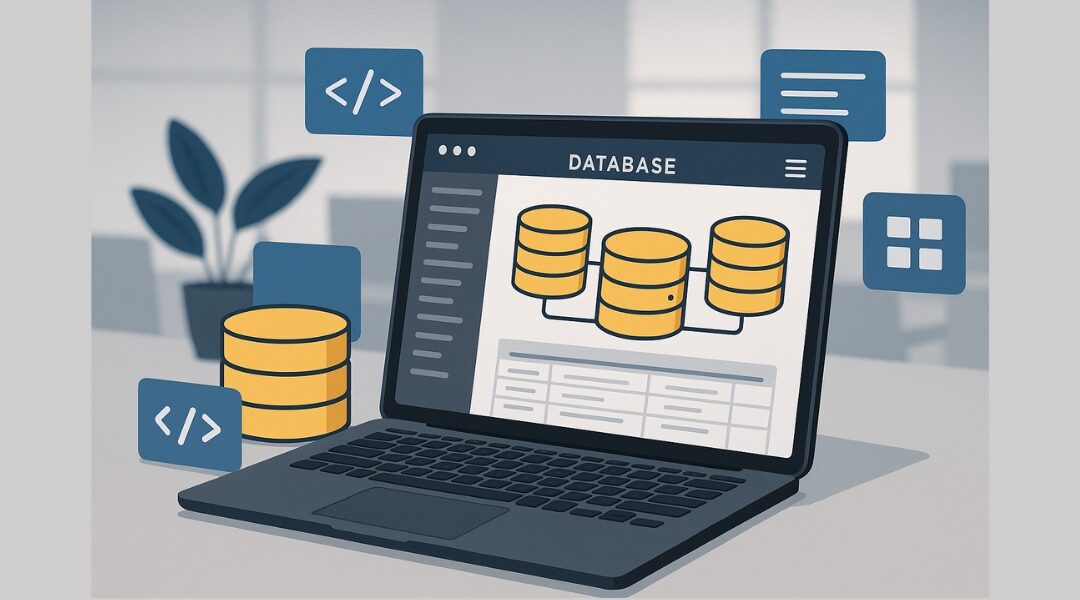
Whether you work with Excel spreadsheets, Access databases, or loose CSV files, anyone who works with large amounts of information knows the problem—at some point, it becomes confusing. An online database offers the solution. It helps you store, manage, filter, and share data centrally with your team—without any programming or local software installations.
But how do you create an online database, which software is best suited, and what should you pay attention to? In this article, we give you a comprehensive overview—including a comparison of the best tools, step-by-step instructions, and a look at DataNaicer, the managed service for automated data structures.
What is an online database – and when is it worthwhile?
An online database is a database-supported solution that can be accessed via the internet. It is usually hosted in the cloud and allows you to access your data from anywhere – whether from your desktop, tablet, or smartphone. Unlike traditional offline databases, you don't need any special software, just a browser.
The big advantage lies in flexibility and collaboration: teams can view, update, or add data simultaneously. Modern platforms such as Ninox or Zoho Creator offer intuitive interfaces, templates, and drag-and-drop functionality for this purpose.
Even those with no programming knowledge can get started with just a few clicks—for example, with preconfigured fields, relationships between tables, automated reports, or integrated security measures. It is particularly worthwhile for small businesses, start-ups, and solo projects to get started.
➡️ In the next step, we will look at how to create a new online database, which software is suitable, and how DataNaicer solves typical problems such as format errors or chaotic data fields.
Finding the right software – what a good online database needs to be able to do
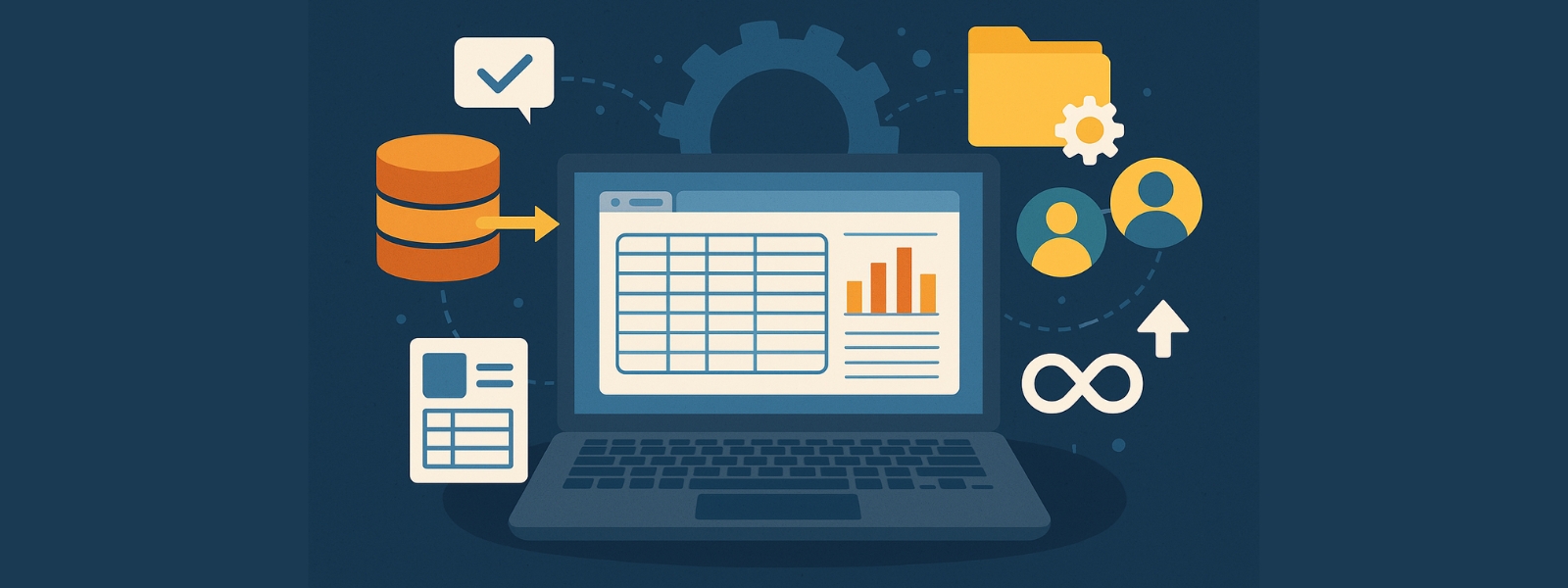
Not every solution is suitable for every project. Depending on whether you want to manage customer data, catalog products, or digitize internal processes, the requirements for the right software vary significantly. That's why it's important to choose an online database that meets your needs – without overwhelming you with unnecessary complexity.
Important features that a good online database should offer:
One example of a modern, intuitive solution is Zenkit, which offers a highly visual interface. Particularly useful: you can combine table views with Kanban boards or mind maps—ideal if you want to organize data visually.
But classic tools such as Microsoft Access are also widely used. Here, Microsoft itself shows how to make an Access database available online.
👉 If you are unsure which platform is right for you, take a look at our article on automated data modeling. There, we show you how you can analyze and prepare even complex data sets—with the help of DataNaicer.

Creating an online database – step by step to your own system
Want to create your own database without studying IT or spending hours programming? Good news: it's much easier than many people think. Online databases in particular can now be set up quickly, visually, and without any code.
1. Set goals: What should the database be able to do?
Before you start building, consider the following:
The clearer your goal, the better your new database will suit your needs.
2. Design the structure: Plan tables, fields, and relationships
Now it's time to build: Create tables (e.g., “Customers,” “Products,” “Invoices”) and define relationships between them. For example, a product can be assigned to several categories. Important: Use clear names for fields such as “Email,” “Order Date,” or “Status.”
DataNaicer helps you with specific suggestions based on your file, e.g., from Excel. Simply upload it and you will automatically receive a clean structure in return. Ideal if you want to organize a lot of information quickly.
3. Import data: Easily transfer existing data
Most projects don't start from scratch – often there is already data in Access, Excel, or Google Sheets. You can usually import this directly. Pay attention to formats and data integrity – in other words, are the data types and references correct? Here, too, DataNaicer checks everything automatically for you.
Ein Beispiel: Wenn du Produktdaten aus verschiedenen Quellen zusammenführen willst, hilft dir unser Tool, doppelte Einträge zu filtern, neue Felder hinzuzufügen und sauber zu gruppieren.
Tipp: Lies auch unseren Leitfaden zur Datenbankerstellung, wenn du noch mehr Beispiele und Vorlagen suchst.
4. Online veröffentlichen – oder lieber lokal speichern?
Ob du deine Datenbank im Web freigibst oder nur intern verwendest, hängt vom Projekt ab. Viele Nutzer schätzen die Vorteile von Webdatenbanken: Sie sind von überall erreichbar, benötigen keine lokale Installation und ermöglichen Team-Zusammenarbeit.
Platforms such as Ninox offer ready-made environments with rights management and a visual interface. Here you can find the relevant article from Ninox if you want to set something like this up.
Get your online database up and running faster with templates, automation, and AI
Many companies hesitate when it comes to creating a database because they believe they have to build everything from scratch. However, there are now templates, AI-supported tools, and automated processes that make it much easier to get started—without compromising on security or customization.
Templates as a starting point: Get started quickly, customize individually
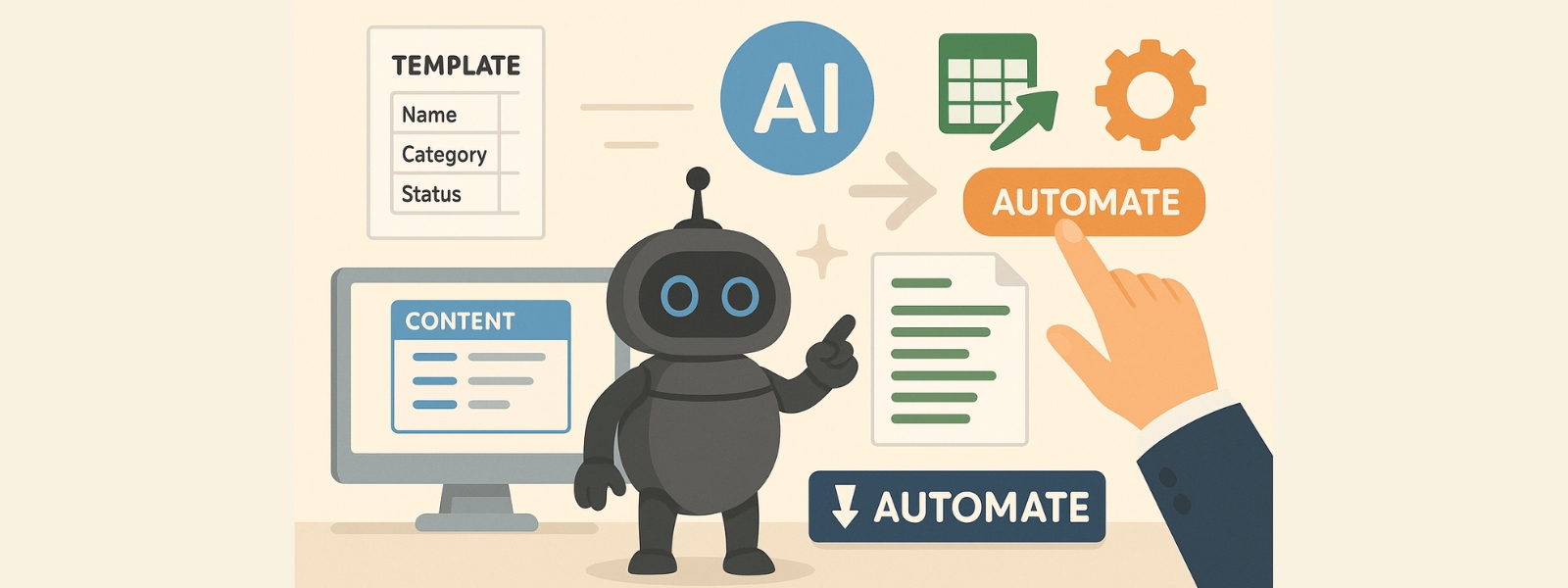
A major advantage of modern web databases is the ability to work with existing structures. For example, you can select a template for product data, customer management, or project management and get started right away. Fields such as “Name,” “Category,” “Status,” or “Notes” are often already included—all you have to do is customize them.
DataNaicer offers a smart approach here: instead of using rigid templates, the system automatically analyzes your file and creates a customized template based on your content. This not only saves time, but also ensures that you only get the fields you really need.
AI in action: checking data, making suggestions, generating text
The integration of artificial intelligence goes even further. This is particularly exciting for teams that work with a lot of product, text, or customer data. An example:
Our AI text generator test shows how well this works, in which we compared various solutions and evaluated them in a practical manner.
Automate processes – instead of clicking manually
Many users start with the goal of creating an online database, but quickly realize that the greatest leverage lies in automating processes. For example:
Such processes save a tremendous amount of time, especially in growing teams. And that is precisely the strength of DataNaicer: instead of clicking through menus, you receive smart suggestions and clear actions, allowing the database to be built step by step together with you.

Security & structure: How to keep your online database clean and protected
An online database can only reach its full potential if it is not only structured but also secure. Two aspects are crucial here: well-thought-out data modeling and clear access rights, especially when several people are working on it at the same time.
Structure is key: Data modeling in everyday life
Before you store data, you should define exactly what you want to record—e.g., customers, products, or projects. These objects form the basis for your tables, which you link through unique relationships. A relational model, in which, for example, customers are assigned to multiple orders, is standard today. In separate tables, the data is logically separated but intelligently linked.
More complex models such as hierarchical structures are also possible—e.g., for processes with clear tree logic. However, the relational principle is usually sufficient.
A good data model means:
Access only for authorized persons
Modern web databases allow you to assign access rights in detail. For example, only certain team members can add new data or edit sensitive information. Especially for data that is accessed on multiple devices, a well-designed rights management system protects against unwanted changes.
Platforms such as Ninox or Access (local) already offer solid functions here. But if you want to be on the safe side, an automated system is recommended.
Everything under control with DataNaicer
DataNaicer combines the best of both worlds: a clean structure and maximum control. The tool automatically analyzes your data—e.g., from Excel—suggests useful tables and relationships, and detects incorrect formats or duplicate entries. You can continue to work flexibly, but you'll receive clear recommendations on how to structure your database and build it securely.
Defined rules and feedback functions ensure that your data quality remains consistently high—without the need for constant manual maintenance. Particularly useful: changes can be tracked, versions compared, and automatically corrected if desired.

Filter data, use Ninox, and more: How to get the most out of your online database
A well-structured online database is more than just a storage facility. It is only through targeted filtering, smart tools such as Ninox, and the thoughtful use of your data that it becomes a real business booster. In this chapter, we will show you how to use typical functions correctly – with the help of modern web solutions.
Filtering for a clear view of data chaos
Whether you're managing customers, orders, or product information, filter functions help you find exactly what you need in seconds. You don't need any technical know-how—modern platforms offer simple filters at the click of a button, such as by status, time period, or category. This makes a big difference, especially in growing systems.
Ninox as a practical example for beginners
A good example of ease of use is the Ninox web database. Here you can create new fields, define relationships, and customize everything—all without any programming. Thanks to its intuitive interface and helpful templates, it's quick and easy to get started, even for solo founders or small teams.
Use instead of just store: data as a tool
If you only fill your database, you are wasting potential. Modern tools allow you to actively use the information you have collected – for automation, dynamic reports, or AI-supported content creation, for example. A good solution often offers a free demo that allows you to test your individual use.
These features open up a wide range of new possibilities for you with a powerful web database – from increasing efficiency in everyday tasks to making data-driven business decisions.
⚙️ Want to take advantage of these opportunities right away? Then try DataNaicer – your data, your structure, your workflow with AI: https://unaice.com/en/datanaicer/.

Conclusion: Creating an online database has never been easier
Those who previously had to use complex tools such as Microsoft Access or local server solutions can now create an online database with just a few clicks – scalable, secure, and team-friendly. Thanks to smart tools such as Ninox, flexible filters, and automated structures, even complex data logic can be visually represented.
With modern solutions such as DataNaicer, you not only save time, but also take the next step: you actively use your data with the help of AI for process optimization, content creation, and data quality assurance. Whether you are a beginner or a professional, getting started is easier than ever before.
➡️ Get started now: Try DataNaicer for free or discover more smart approaches in our AI text generator test.

FAQ: Frequently asked questions about online databases