%20--%3e%3cdefs%3e%3cstyle%3e%20.st0%20{%20fill:%20%23a5d028;%20}%20.st1%20{%20fill:%20%23fff;%20}%20.st2%20{%20fill:%20%231de2db;%20}%20.st3%20{%20fill:%20%2341bdf9;%20}%20%3c/style%3e%3c/defs%3e%3cg%20id='logo-unaice-line'%3e%3cpath%20class='st1'%20d='M143.3,36.1c-1.2,0-2.1-.9-2.1-2.1V12.2c0-1.2.9-2.1,2.1-2.1s2.1.9,2.1,2.1v21.8c0,1.2-.9,2.1-2.1,2.1ZM143.2,6.2c-1.3,0-2.4-1-2.4-2.4v-.8c0-1.3,1-2.4,2.4-2.4s2.4,1.1,2.4,2.4v.8c0,1.3-1.1,2.4-2.4,2.4Z'/%3e%3cpath%20class='st3'%20d='M23.7,36.1H2c-.5,0-1-.4-1-1V2.3c0-.5.4-1,1-1h21.7c.5,0,1,.4,1,1v32.9c0,.5-.4,1-1,1'/%3e%3cpath%20class='st2'%20d='M41.8,36.1h-14.4c-.5,0-1-.4-1-1v-14.5c0-.5.4-1,1-1h14.4c.5,0,1,.4,1,1v14.5c0,.5-.4,1-1,1'/%3e%3cpath%20class='st0'%20d='M41.8,17.9h-14.4c-.5,0-1-.4-1-1V2.2c0-.5.4-1,1-1h14.4c.5,0,1,.4,1,1v14.7c0,.5-.4,1-1,1'/%3e%3c/g%3e%3cpath%20class='st1'%20d='M196.4,29.2c-2.1,2.1-3.6,3.2-7.1,3.2s-7.4-2.3-8.2-7.4h16.7c2.7,0,2.9-1.9,2.7-4-.7-6.2-5.3-11.2-11.6-11.2s-12.3,5.1-12.3,13.4,5.4,13.3,12.6,13.3,8.3-2.6,10-4.3c1.8-2.1-1.2-4.7-2.8-3ZM188.9,13.7c4.7,0,7.3,4.1,7.6,7.3h-15.3c.7-4.3,3.4-7.3,7.7-7.3Z'/%3e%3cpath%20class='st1'%20d='M132.1,12.9c-1.9-1.9-5.4-2.9-8.2-2.9s-5.3.5-8.2,1.8c-2.4,1-.9,5,1.6,3.7,2.1-1,3.3-1.5,6.3-1.5s6.7,1.1,6.8,6.1c-1.8-.5-2.7-.8-6.9-.8-6.8,0-11.3,3.3-11.3,8.8s4.1,8.4,10.1,8.4,5.4-.6,8.3-2.9v.5c0,2.8,4.2,2.6,4.2,0v-13.8c0-3.1-.8-5.5-2.7-7.4ZM130.4,26.2c0,3.6-3.4,6.3-8,6.3s-5.9-1.7-5.9-4.6,2.5-4.6,6.8-4.6c0,0,4.8,0,7.1,1v1.9Z'/%3e%3cpath%20class='st1'%20d='M80,36.1c-1.2,0-2.1-.9-2.1-2.1V3.4c0-1.2,1-2.2,2.2-2.2h.4c.8,0,1.4.4,2,1.1l20.2,25.7V3.4c0-1.2.9-2.1,2.1-2.1s2.1.9,2.1,2.1v30.7c0,1.1-.5,2-1.9,2s-1.9-.8-2.2-1.2l-20.7-26.2v25.3c0,1.2-.9,2.1-2.1,2.1Z'/%3e%3cpath%20class='st1'%20d='M60.2,36.5c-5.1,0-10.5-4.3-10.5-10.7v-13.5c0-1.2.9-2.1,2.1-2.1s2.1.9,2.1,2.1v13.1c0,4.5,2.5,7.1,6.6,7.1s7.3-3.2,7.3-7.5v-12.7c0-1.2.9-2.1,2.1-2.1s2.1.9,2.1,2.1v21.8c0,2.8-4.2,2.7-4.2,0v-.5c-1.5,1.6-3.3,2.9-7.6,2.9Z'/%3e%3cpath%20class='st1'%20d='M163.8,36.5c-7.1,0-13.1-6-13.1-13.3s4.8-13.5,13.5-13.5c4.4,0,6.9,2,8.8,3.7,1.8,1.5-.8,5.1-2.8,3.3-.8-.8-3.3-3-6.4-3-4.8,0-8.6,4-8.6,9.2s3.8,9.3,8.6,9.4c3.7,0,4.9-1,7-3.1,1.6-1.8,4.6,1,3,2.8-3,3-5.7,4.5-10,4.5h0Z'/%3e%3c/svg%3e)
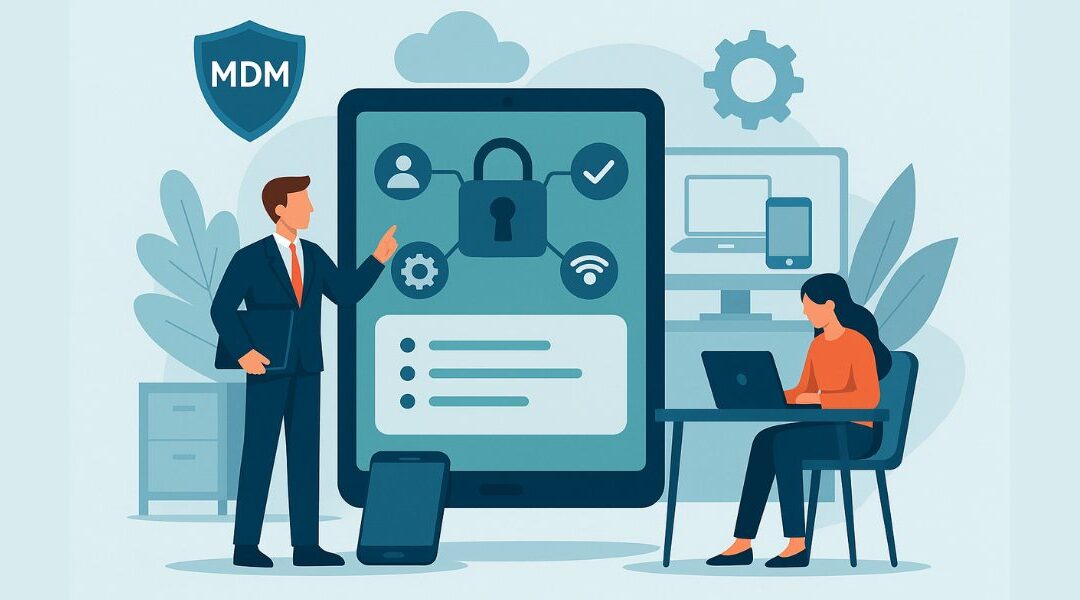
An MDM system (Mobile Device Management) is a centralized solution for managing smartphones, tablets, and laptops in a corporate environment. The increasing use of mobile devices not only brings greater flexibility and productivity, but also new challenges: security, data protection, and control over installed apps are becoming more complex.
In everyday business life, IT teams must ensure that devices are set up correctly, regularly updated, and protected against attacks. Without an MDM system, there is an increased risk of data loss or unauthorized access. At the same time, efficiency declines when every installation or change has to be carried out manually.
Modern mobile device management offers an easy way to centrally control devices, automatically roll out policies, and significantly simplify the work of the IT department. This transforms a technical tool into a key success factor for companies, schools, and organizations.
What is mobile device management?
Mobile device management means that companies use a platform to control all mobile devices in a uniform manner. Devices can be registered, configurations implemented, and apps managed via a dashboard. This is particularly important in Bring Your Own Device scenarios, as private devices must be clearly separated from business use.
A typical MDM system offers:
The importance of this topic is demonstrated by IBM, which describes mobile device management as a key technology for secure business processes.
Why is an MDM system necessary in everyday business life?
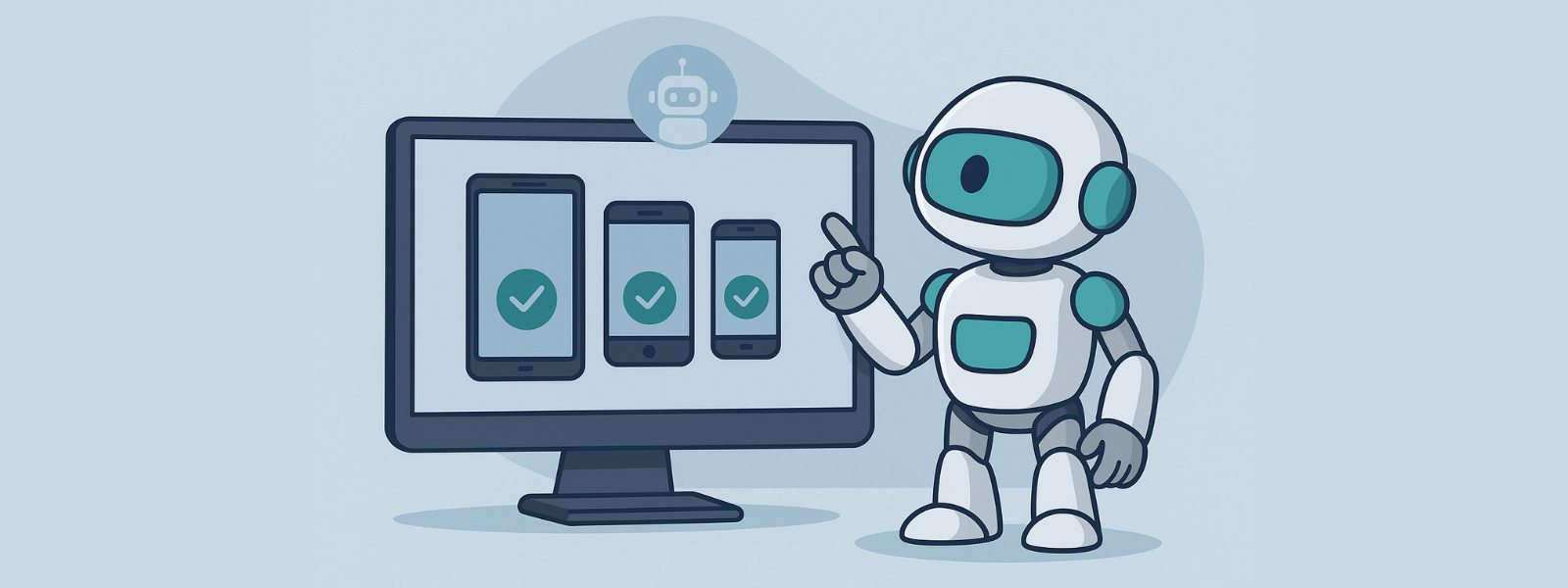
The most important reason for using an MDM system is increasing complexity. In the past, employees mainly worked on desktops. Today, work is mobile: in the home office, on the road, or directly at the customer's premises. Without a centralized solution, companies quickly reach their limits.
Advantages of an MDM system:
The Bavarian Ministry of Education and Cultural Affairs provides a practical example of how MDM is being successfully implemented in schools.
Mobile device management in practice
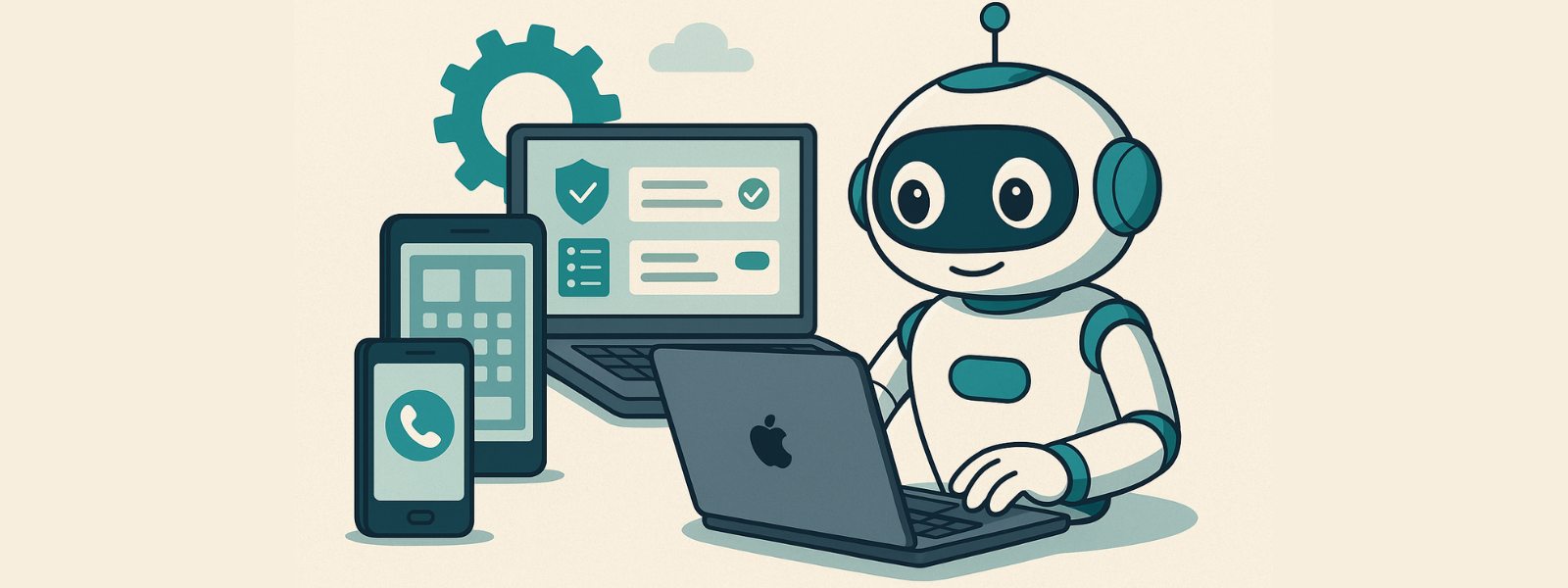
In practice, it has been shown that without an MDM system, managing hundreds or even thousands of devices can quickly become overwhelming. IT departments would have to perform every installation, update, and security policy manually. This takes time, increases the error rate, and reduces efficiency.
Modern device management, on the other hand, offers centralized control. Typical functions include:
Device security plays a particularly important role in companies with sensitive data. Employees should be able to work flexibly without data falling into the wrong hands.
NinjaOne provides an exciting overview of various MDM software providers.
Security as a key task
An MDM system is primarily a security tool. Without clear rules, the risk of data loss, data misuse, or external attacks increases. This is particularly important in industries with high data protection requirements, such as healthcare, education, or finance.
A good MDM system offers:
This boosts productivity, as employees can work independently of location and situation without IT losing control.
An overview of opportunities and risks is also provided by Relution.
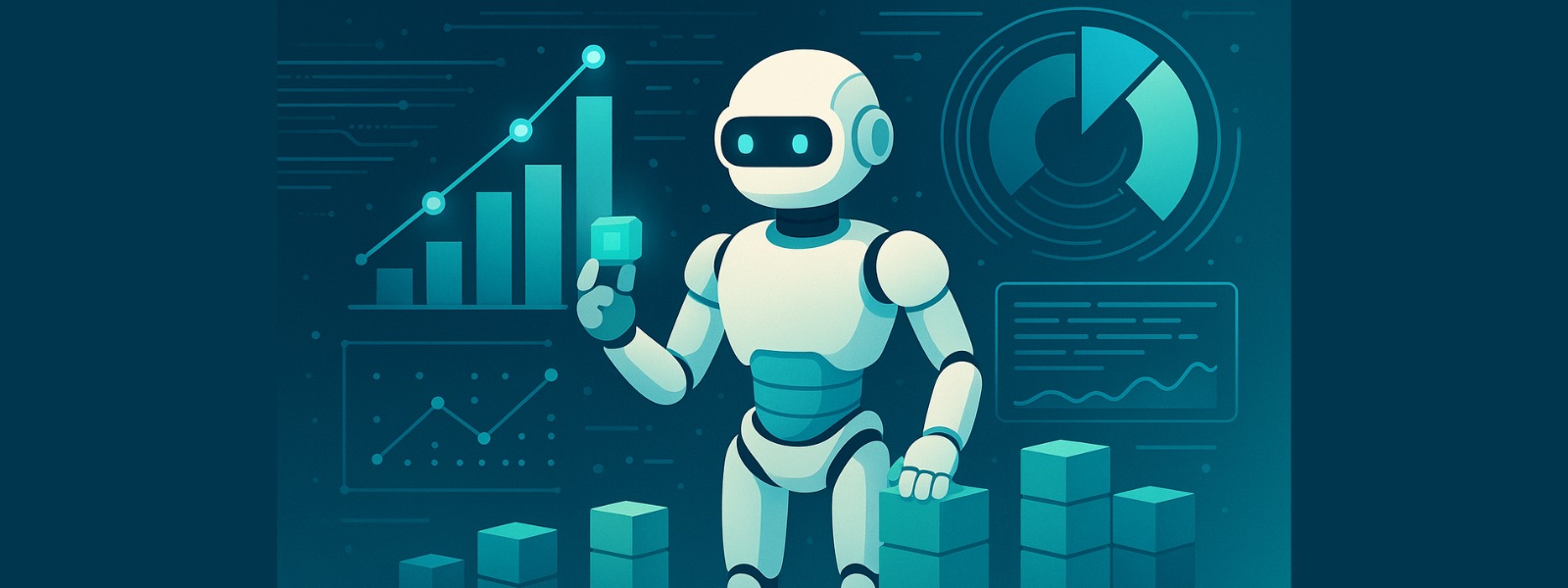
Functions of device management software
Device management software should do much more than just lock or unlock devices. It is a comprehensive platform that integrates both mobile application management and mobile content management.
Typical functions:
| Function | Benefits |
|---|---|
| Unified Endpoint Management | management of all end devices – from smartphones to PCs |
| Mobility Management | overview of devices and their use |
| Mobile Application Management | control over apps and their updates |
| Mobile Content Management | secure distribution of documents |
Some systems are specifically tailored to certain platforms, such as Apple School Manager or Apple Business Manager. For companies with Windows devices, integration with Microsoft Windows is crucial.
Different solutions for different organizations
Not all MDM systems are structured in the same way. Different providers focus on different areas, allowing companies and organizations to choose the right solution for them.
Just as companies need different systems, administrative tasks also vary. While schools focus on safe use by students, companies require maximum flexibility and device security.
NinjaOne provides an up-to-date overview of providers and trends.
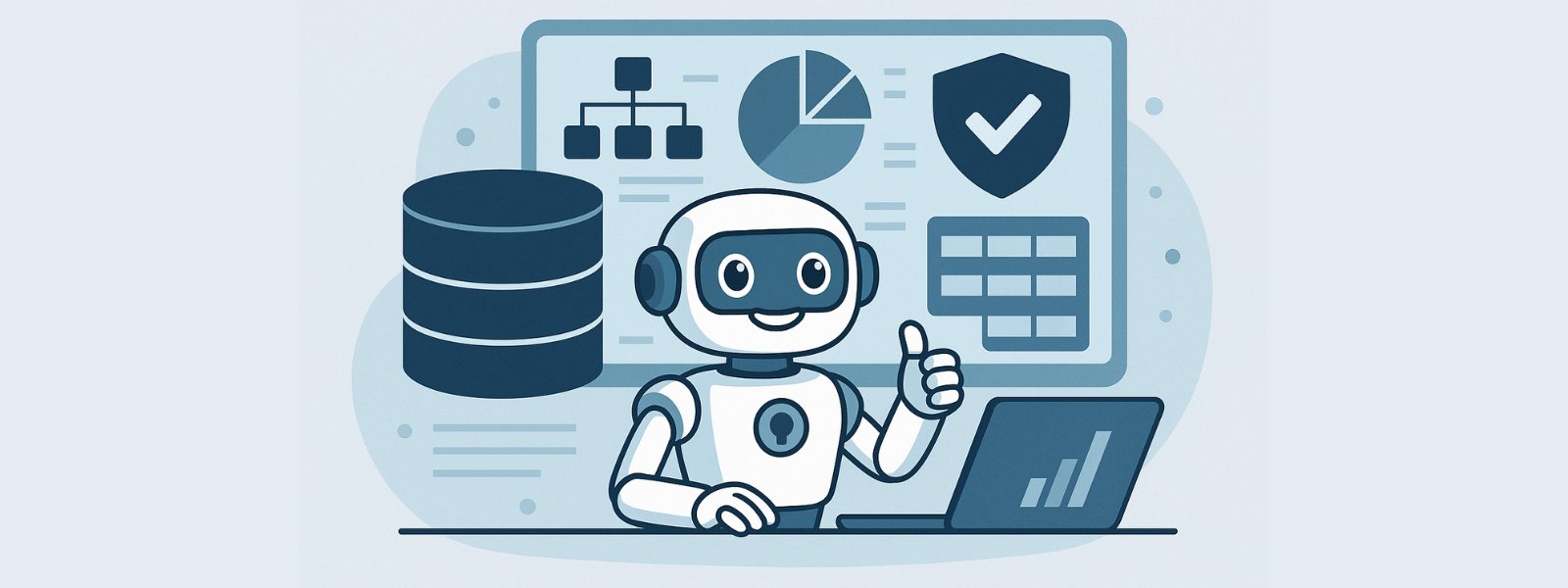
Use of MDM in schools and organizations
Schools are a classic example of the successful introduction of mobile device management. Hundreds of tablets have to be managed there, which students use simultaneously. Without MDM, this task would be almost impossible to accomplish.
MDM enables:
Organizations benefit in a similar way. Non-profit organizations use MDM to increase productivity while reducing IT support costs.
The Bavarian Ministry of Education and Cultural Affairs describes how such a system makes everyday school life easier and increases safety.
Automation as an opportunity for efficiency
The more devices that need to be managed, the greater the complexity. Without automation, IT departments quickly reach their limits. A good MDM therefore enables policies, updates, and installed apps to be deployed automatically.
This not only increases efficiency but also reduces errors. This allows companies to use their IT resources for strategic tasks instead of getting bogged down in routine work.
A similar idea can also be found in the world of data preparation. Tools such as DataNaicer from uNaice can be used to structure millions of pieces of product data and use them consistently – just as MDM brings order to the device jungle.
You can read more about this on this article page Product Information Management (PIM).
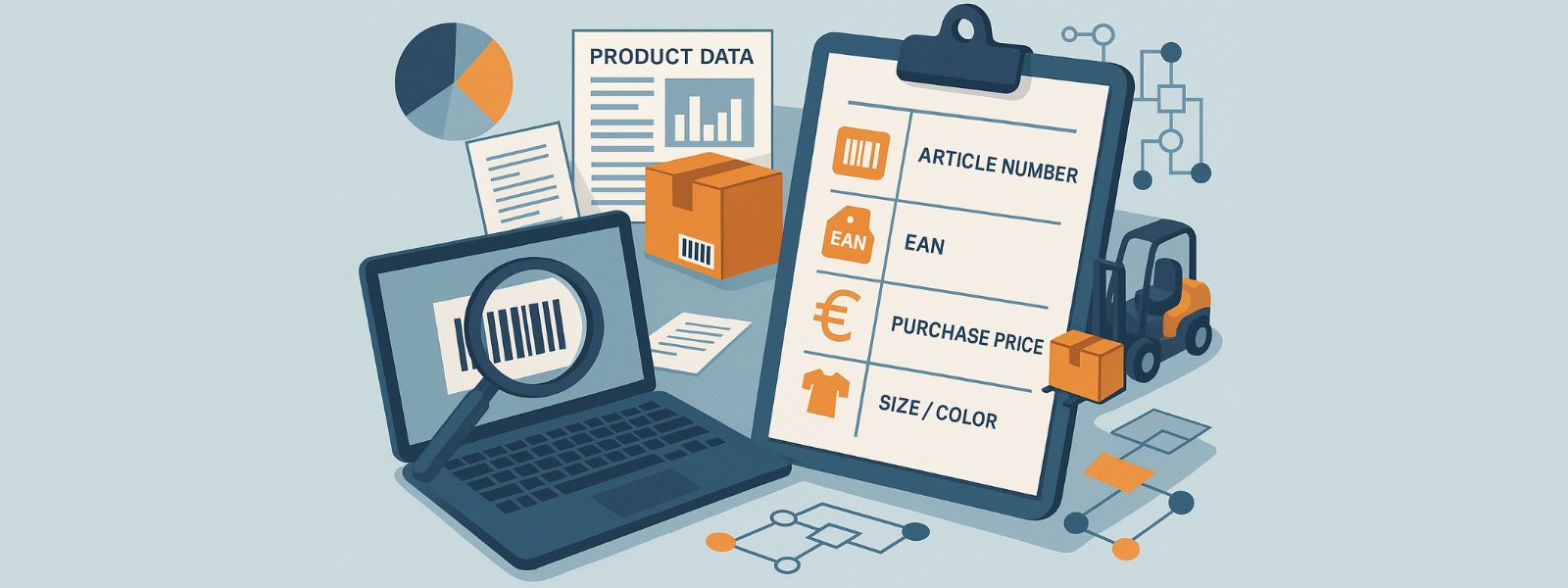
Installation and registration: How it works
The introduction of an MDM system usually begins with the registration of new devices. Companies can choose different approaches: manual registration by IT, QR codes for quick capture, or automatic registration via interfaces. Once registered, the system takes care of installing all relevant settings, apps, and policies.
This reduces complexity, as all devices are ready for immediate use Employees no longer have to worry about configurations themselves, but receive a fully set up device. This saves a tremendous amount of time, especially in companies with multiple locations or changing teams.
IT can also check whether all users are complying with the specified security guidelines. The central platform allows you to track which versions are installed and how much coverage the security updates provide.
A clear advantage: Companies maintain an overview, even when employees' situations change, they work remotely, or access sensitive data while on the go.
Focus on efficiency, flexibility, and data protection
Modern MDM is not just a technical solution, but a real driver for optimizing business processes. Companies benefit from:
This not only increases productivity, but also employee confidence. No one needs to worry about their private data being accessed, and at the same time, the company fulfills its legal data protection obligations.
A good example of this are companies that work with Microsoft Windows computers and also use mobile devices. Thanks to Unified Endpoint Management, both worlds can be brought together—PCs, smartphones, and tablets appear in a single interface.
This is reminiscent of the approach taken in data management: just as DataNaicer ensures uniform structures in data integration, MDM creates consistent order among devices and applications. You can find out more about clean databases in the article on data quality and solutions.

FAQ: Frequently asked questions about MDM systems